Reactivate a Client Profile Alert
To reactivate a Client Profile Alert use the following steps:
1. Click Client Alerts.
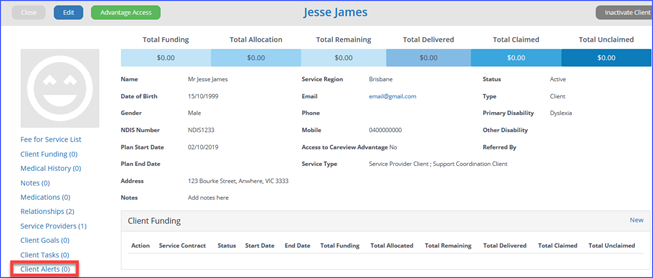
2. From the Client
Alert table, Under Actions click Edit on the Alert you
want to reactivate.
4. Click Save. The Client Alert
will not display when any of the pages to which it applied are opened.