Edit Client Profile Alert
To edit a Client Profile Alert, use the following steps:
1. Click Client Alerts.
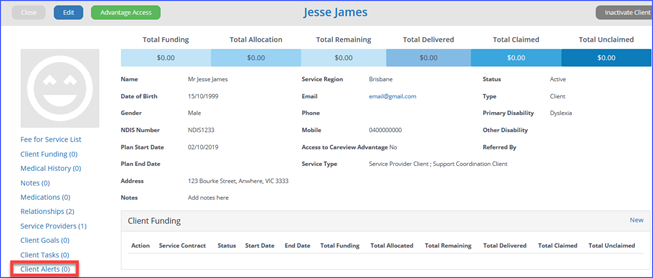
2. From the
Client Alert table. Under Actions click Edit on the Alert you
want to change.
3. When the Edit Client Alert
screen displays, make the changes, then click OK.
4. The new changes apply to the Alert.